SimX

Browser-first schematic & simulation

Draw schematics, run simulation, and inspect waveforms in your browser — fast to start, easy to share, nothing to install.

Start in 3 steps
1
Open the workspace

Load the browser workspace, then pick a built-in template when the editor opens.

2
Run a proven example

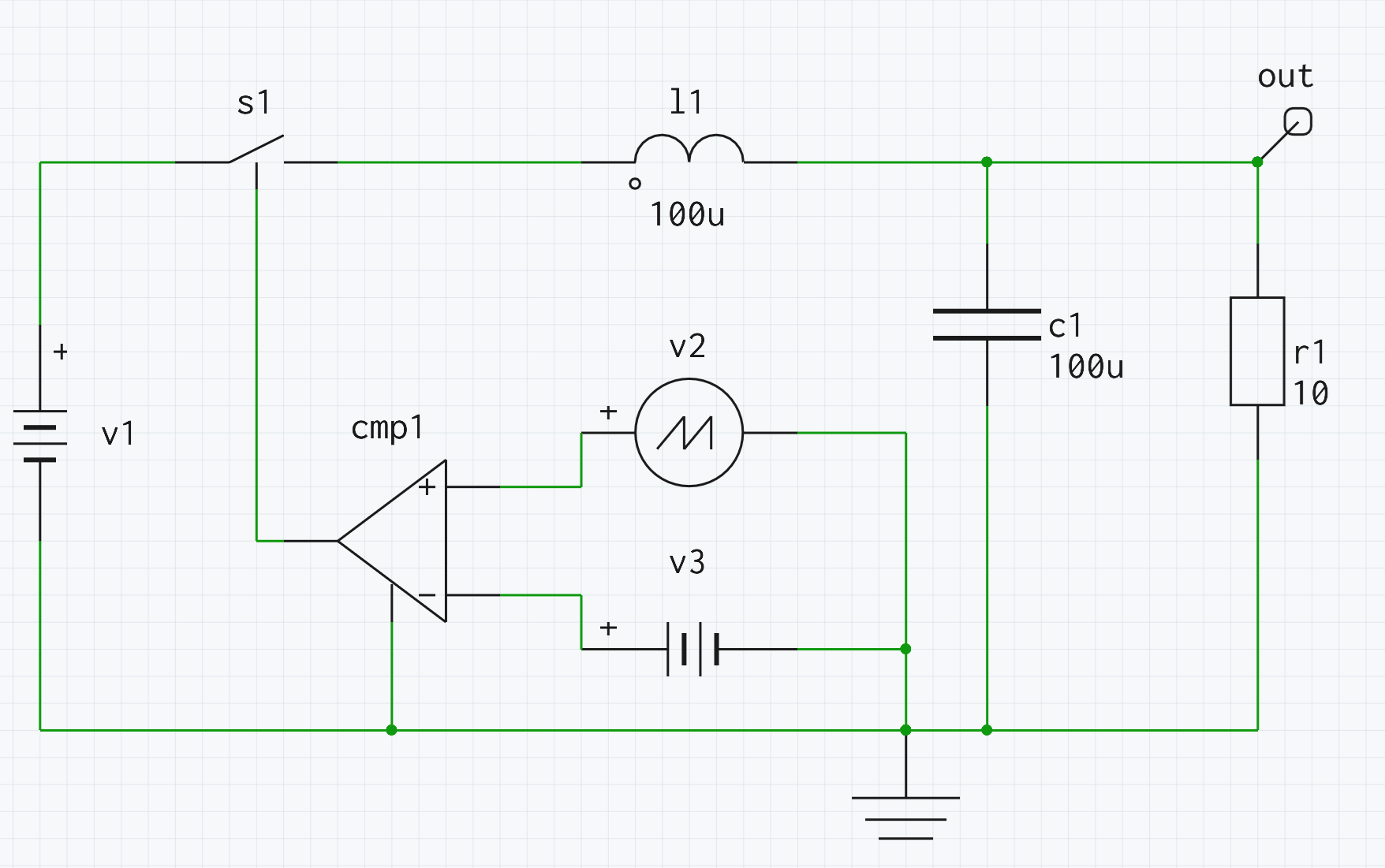
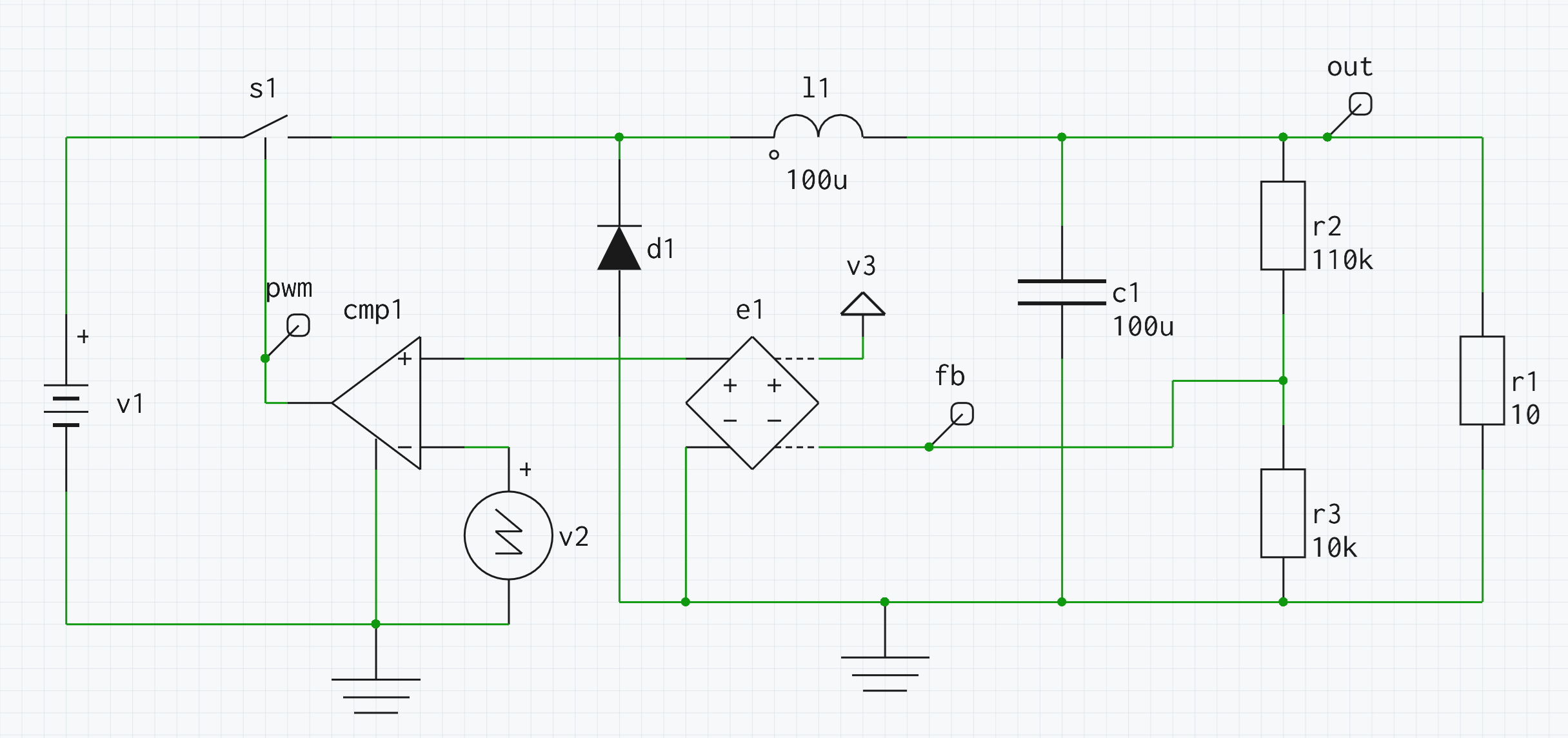
Start with the buck or feedback-loop examples to reach a first successful simulation quickly.

3
Inspect and tweak

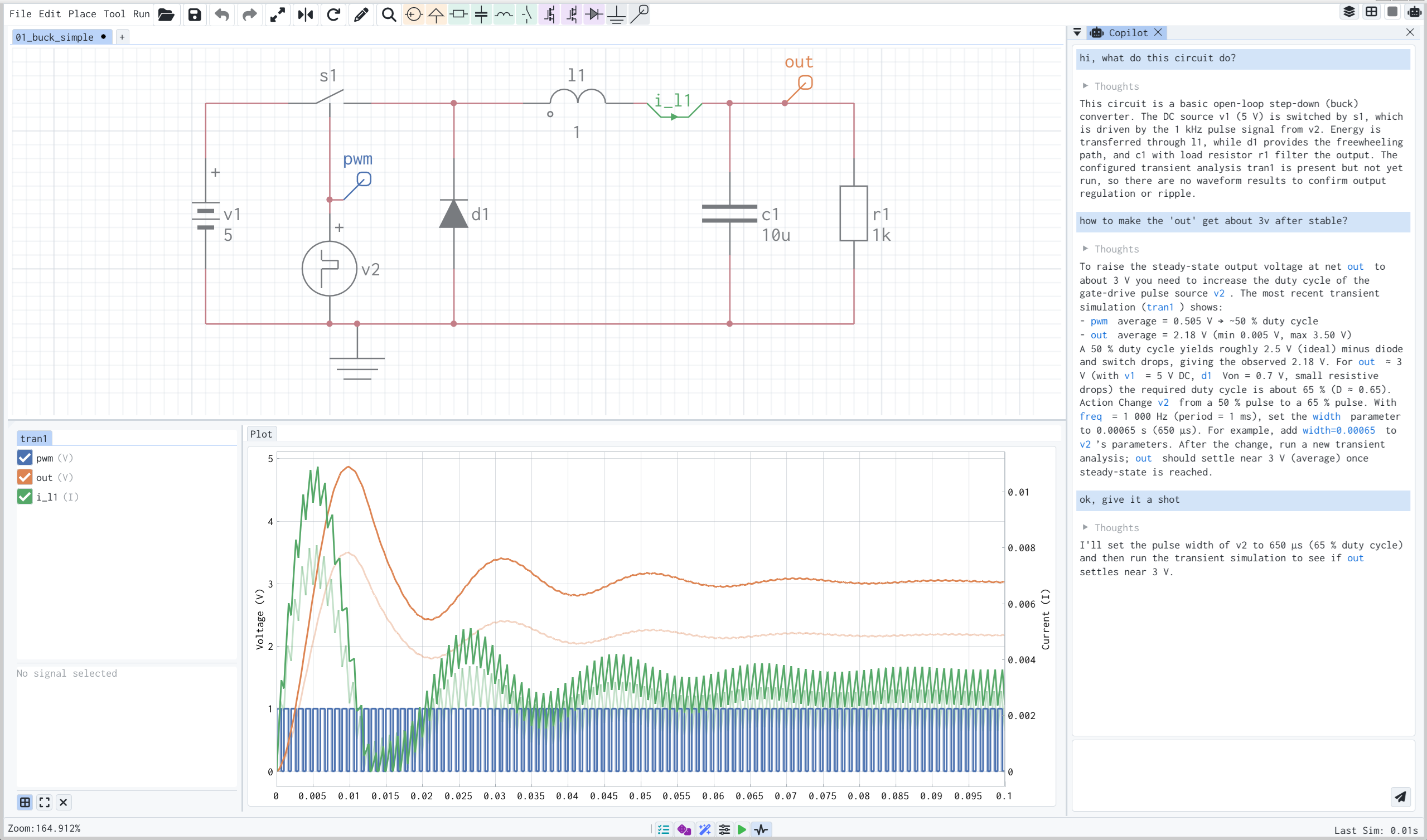
View waveforms, change parameters, and rerun without leaving the same workspace.


Features
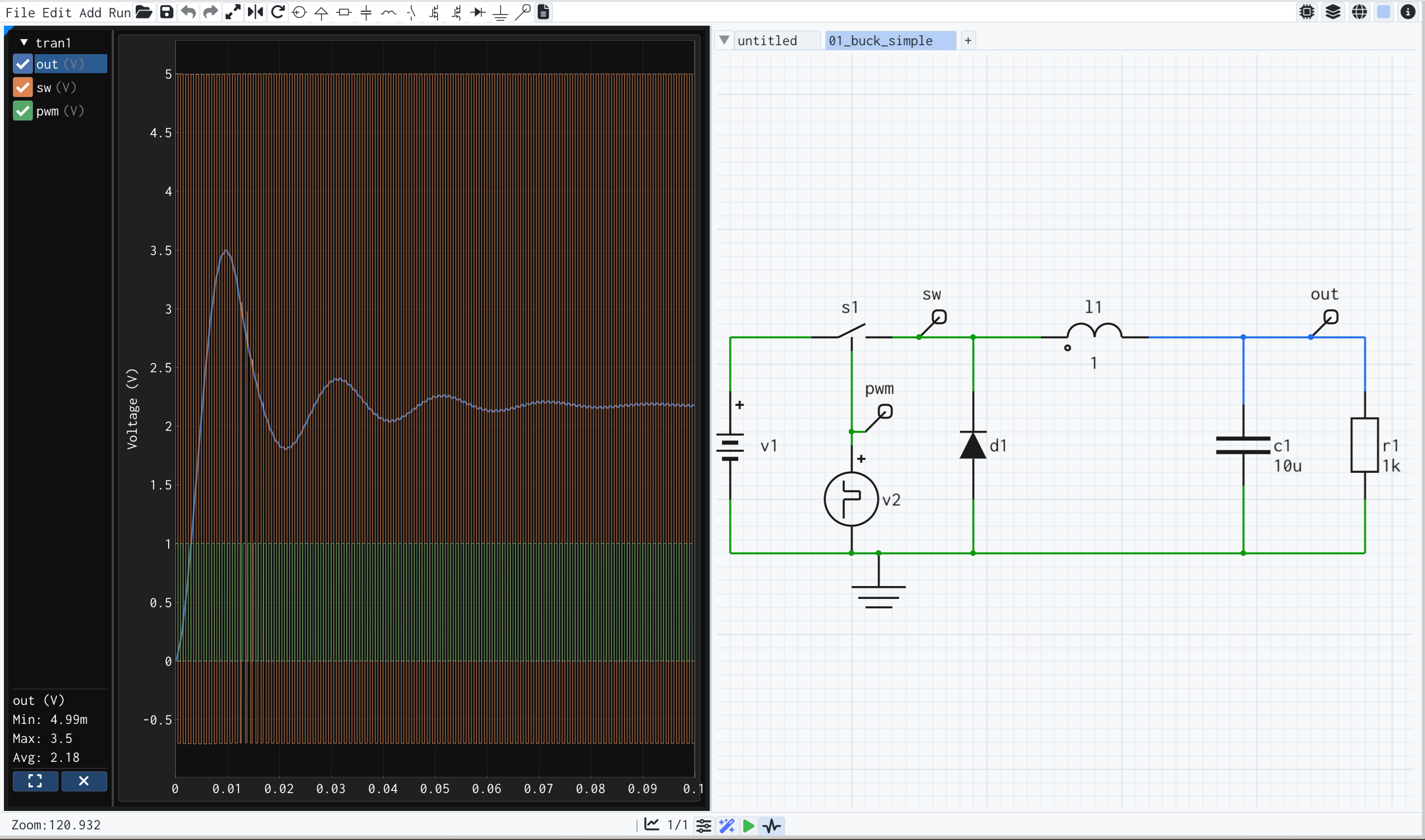
Schematic Editor
Quick circuit building with a rich library of components and models. Easily configure analyses and parameters.
Simulator
Comprehensive analysis suite: DC, AC, Transient, Sweep, Monte Carlo, and more — all in one engine.
Optimizer
Wizard-guided setup makes optimization easy. Multiple algorithms available to automatically tune your design.
Waveform Viewer
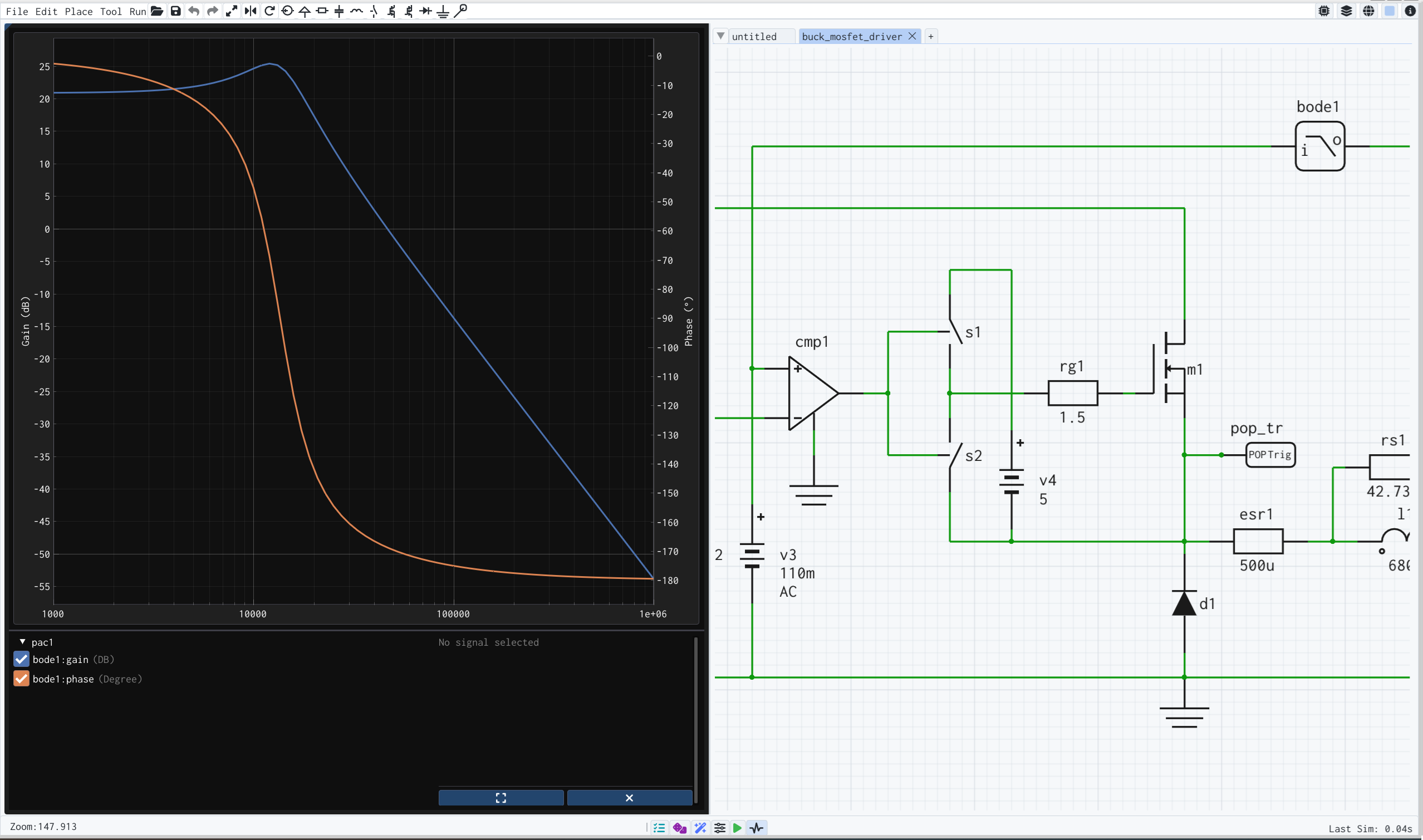
Interactive, intuitive visualization for all analysis types. Linked with the schematic — select a net or component to highlight its waveform.
PCB Workflow (Beta)
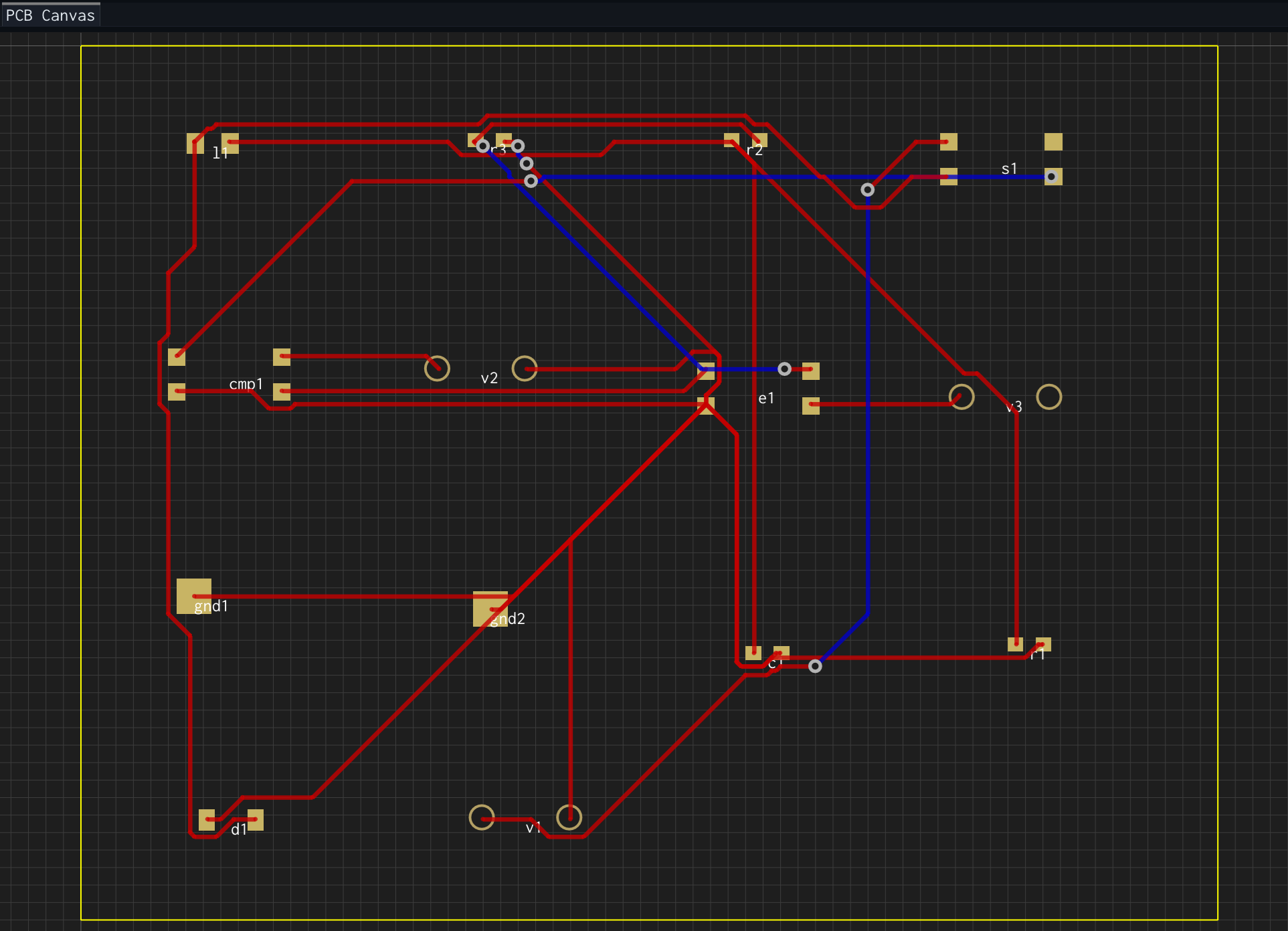
Generate an early PCB layout from the schematic for exploration and handoff. This workflow is improving, but not yet the main promise.
SI / PI Lab (Experimental)
Early-stage board analysis direction for exploration. Useful to try, but still well behind the core schematic + simulation workflow.
Why SimX
Fast
100×+ faster than traditional SPICE — built for speed from the ground up
Focused
Built first around schematic capture, simulation, and waveform analysis — the parts you can rely on today.
Flexible
Use SimX instantly in the browser, and move to SimX Pro on Linux, Windows, or macOS when you need the desktop workflow.
Ideal For
Students
Learn circuit theory hands-on with instant simulation feedback.
Educators
Demonstrate concepts in live classroom sessions — students open the same tool in their browsers.
Makers
Quickly prototype and validate hobby projects before committing to hardware.
Engineers
Rapid design exploration and feasibility checks — get directional answers in seconds, not hours.

Need help?

help@simx.run

Need the desktop workflow?

SimX Pro is the Linux, Windows, and macOS desktop edition — contact us if you need the native workflow.